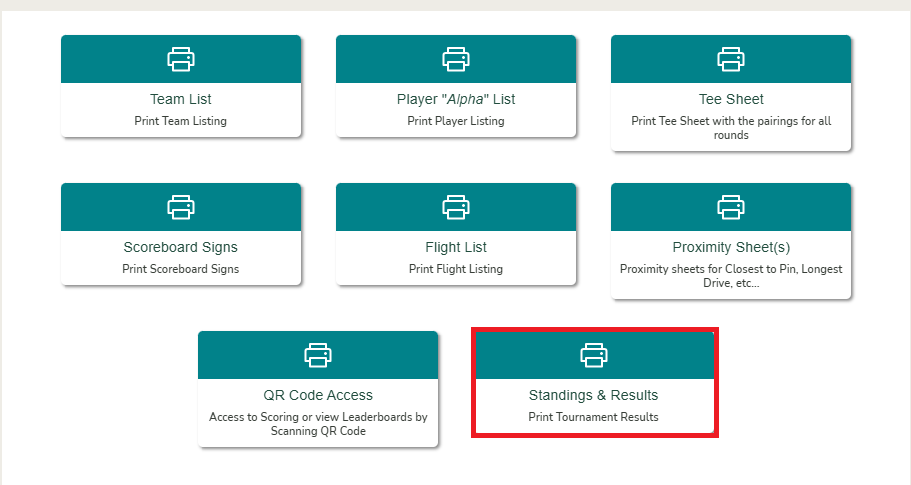
Print event standings and results

Overview
After an event is completed, you may want to print the results for display, records, or distribution. Unknown Golf makes it easy to access and print results directly from the event’s print center.
Configuring the printed results display also updates how the results appear to players when they view them in emails sent from Unknown Golf.
Steps to Print Event Results
- Go to Event Home
Navigate to the event for which you want to print results. - Click on Print Center
Click on the print center button located int he buttom menu navigation towards the top. - Select Results
- Choose Standings & Results to view overall results.
- Adjust print displays how you see fit.
- Print the Results
- Select Print to open the print dialog.
- Choose your printer or save as PDF to share electronically.