Club or Community Tags

Tags in Unknown Golf allow you to create subgroups of players, events, or leaderboard results. These tags can then be used for filtering, reporting, or communication purposes.
Event Tags – Identify a subset of events to include in custom reports. Example: A FedEx standings report may only include points from events tagged for that series.
Player Tags – Identify a subset of players so communications can be sent to specific groups.
Leaderboard Tags – Identify a subset of leaderboard results to include in custom reports. Example: You can create a winnings ($) standings report that includes only Skins payouts.
Create or Delete a Tag
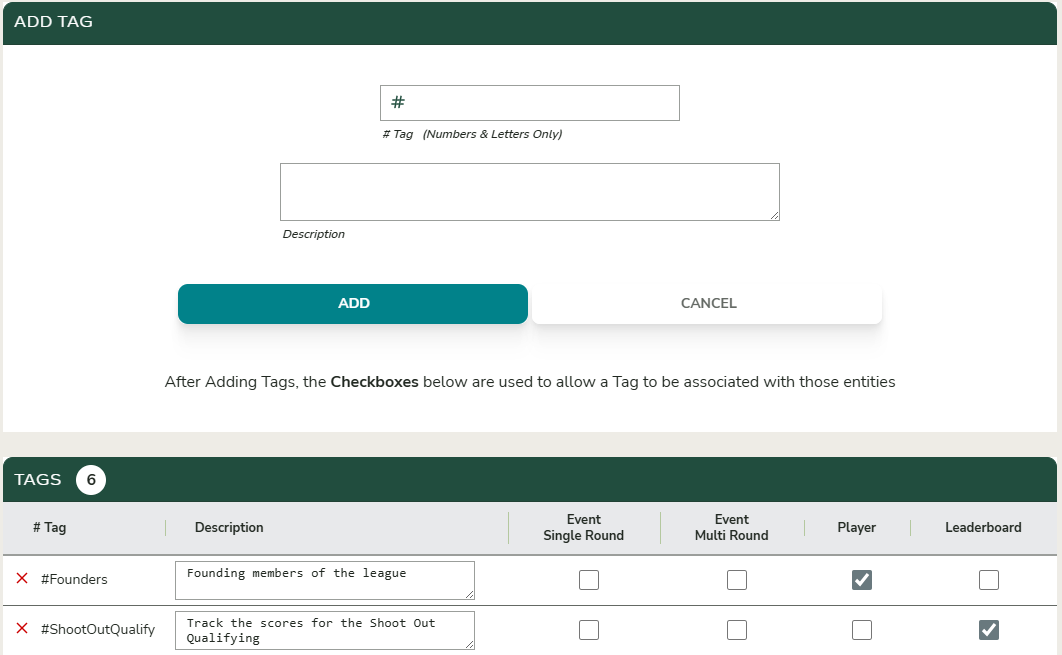
To create or delete a tag, navigate through the menu to Admin Settings → # Tags. From this page, you can create new tags and define where those tags may be applied within the system.
Event Tag Assignment
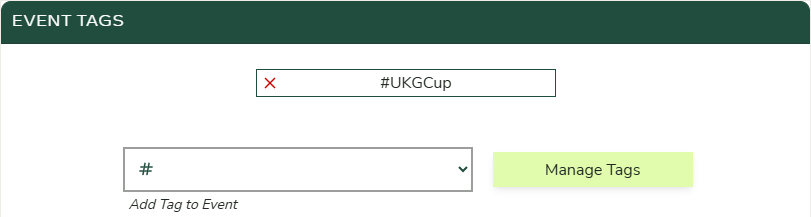
From the Event Home, navigate to Event Settings. Scroll down to the Event Tags section, where you can select the tags you want to assign to the event.
Leaderboard Tag Assignment
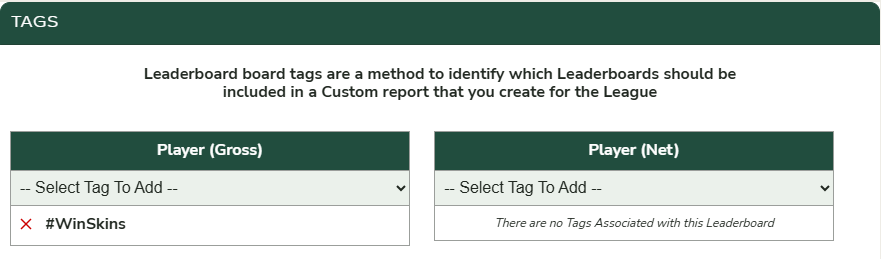
From the Event Home, navigate to Leaderboard Settings. Scroll down to the Tags section, where you can assign tags to each leaderboard.
Player Tag Assignment
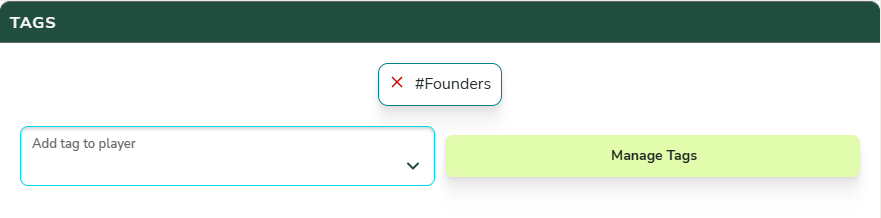
From the Players List, click the pencil icon to edit the player’s profile. Scroll down to the Tags section, where you can assign tags to the player.