Edit or change results for an event

Event results can be edited after the Official Results have been calculated.
Accessing Results Administration
Results can be edited from the Results Administration page. To access this page, click the “Results” button on the Event or Round Home.
Only Official Results are displayed on this page. If no results are visible, you may need to click “Calculate Official Results” first.
Edit Results
Click the pencil icon next to a player’s name to edit their result details.
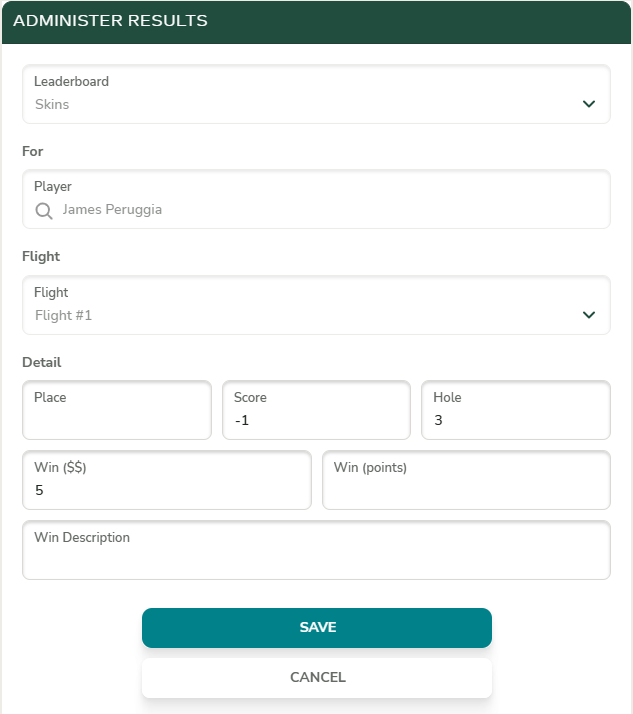
Add Results
Clicking the “Add Result” button allows you to manually enter a custom result for a player or team on a leaderboard.
Delete Results
To remove a result, click the red “X” next to the player’s name.