Lock or Unlock a Player’s Handicap for an Event

Locking a player’s handicap is a good way to ensure that no updates can be made—either by Unknown Golf automation or manually—unless the handicap is first unlocked.
Lock Individual Player
On the Handicaps page for the event, a lock icon appears next to each player’s name. Clicking the icon will toggle the lock status:
- Red indicates the handicap is locked
- Green indicates the handicap is unlocked and can be updated

Lock All Players
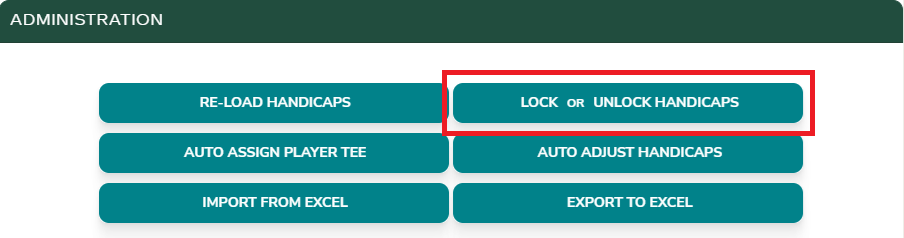
Clicking the “Lock or Unlock Handicaps” button at the top of the Handicaps page allows you to lock or unlock all player handicaps at once.
Multi-Round Events
Locking a player’s handicap in a multi-round event will apply the lock across all rounds for that player.