Event players export to excel

Overview
Unknown Golf allows you to quickly export player registration information to save time and streamline event setup. Follow the steps below to export a list of registered players.
Exporting Registered Players
To export a XLSX file of registered players:
- Navigate to Event Setup / Home
- Click on the Players button located in the button menu navigation towards the top.
- At the top of the page, click Export.
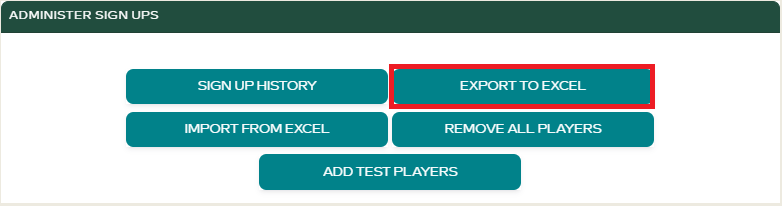
- A
.xlsxfile will be downloaded containing your current player registration data.
Use this file to make bulk edits, backup your player list, or transfer data between events.