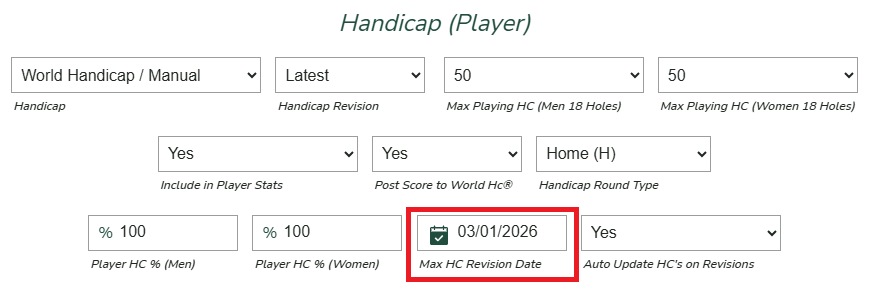
Set handicap revision date for an event

For most club events and travel trips, it is recommended to set a cutoff date for handicap revisions. This defines the latest handicap index that will be used for the event.
For example, for an event held on Saturday, you may choose to use each player’s handicap as of the preceding Thursday.
To set the Max Handicap Revision Date, navigate to Event Settings and scroll down to the Handicap (Player) section.
If the Max Handicap Revision Date is left blank, Unknown Golf will continue to update player handicaps up to and including the morning of the event.