Golf Cart Signs
Printing golf cart signs that pair players together by tee time to a golf cart is located in the print center under the Golf Cart Signs button.
Load Golf Cart Assignment
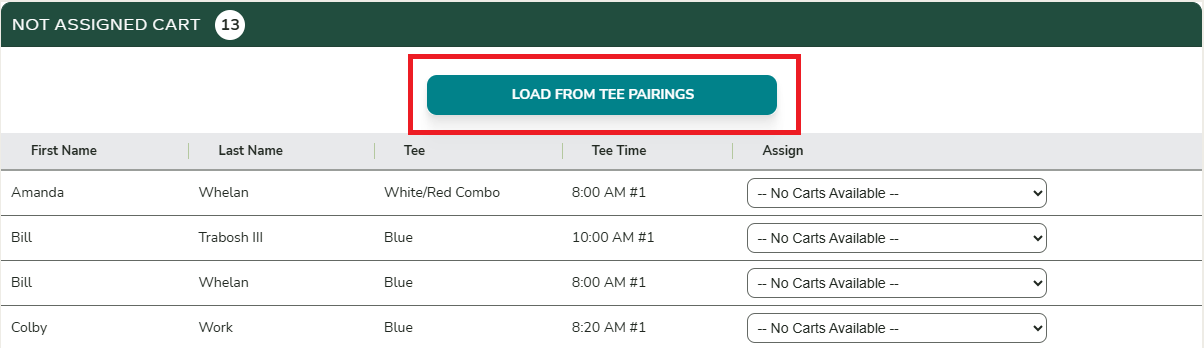
Before you can preview or print the golf cart signs, the carts must first be loaded with the initial player pairings. This can be done by clicking the “Load from Tee Pairings” button.
Additional References
For more information on how players are initially assigned to carts, see How are players initially assigned to a golf cart?.
For more information on how to reassign players to a different golf cart, see How to move players to a different golf cart.