How to move players to a different golf cart

Players can be assigned to a different golf cart than their default by navigating to “Golf Cart Signs” in the Print Center and scrolling to the Assigned Carts section.
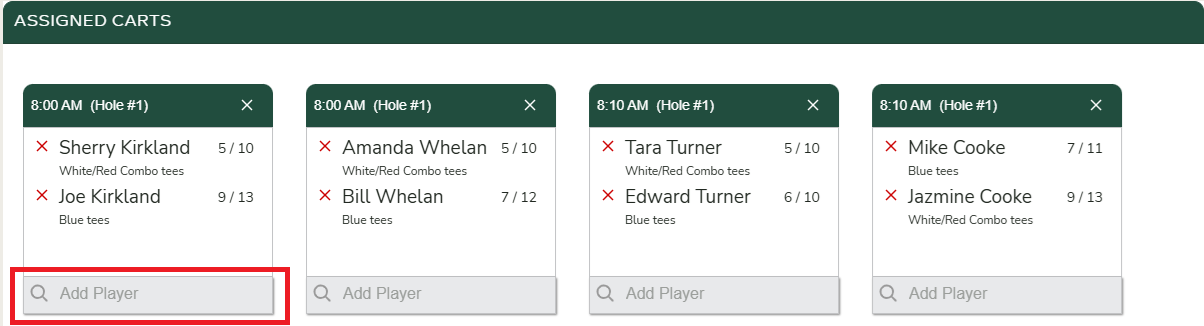
Each cart includes an “Add Player” search field at the bottom that allows you to find and assign a player to that cart.
When a player is added to a new cart, they are automatically removed from their previous cart since a player can only be assigned to one golf cart at a time.
For reference on how players are initially paired together in a golf cart, refer to the help article How are players initially assigned to a golf cart?