Troubleshoot players unable to enter live scores

Overview
If players are reporting issues accessing Live Scoring, it's usually due to a simple configuration issue in your event settings. Follow the steps below to ensure Live Scoring is properly enabled for your event or round.
Allow Live Scoring?
Check if the event (or round) is configured to allow live scoring by going to the Event (or Round) Settings and scrolling down to the On Course Scoring section.
Ensure the Allow On Course Scoring configuration is set to Yes.

Open for Scoring?
Check if the event (or round) is open for live scoring by going to the Event (or Round) Settings and scrolling down to the On Course Scoring section.
Ensure the Open for Live Scoring date is set to the date the players are playing or eariler

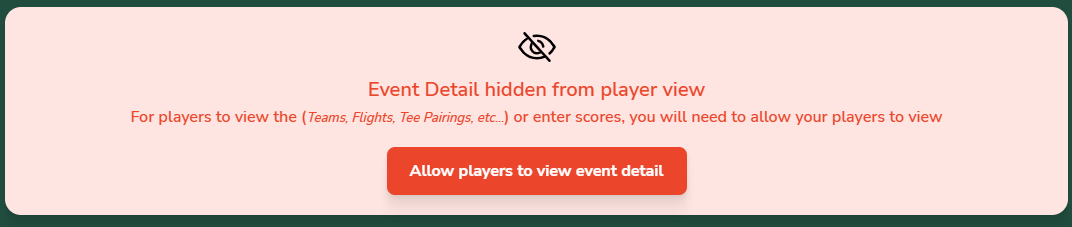
Event Detail Hidden from Player View?
Check whether the event (or round) is set to hide details from player view. This setting is used to prevent players from seeing Teams, Flights, or Tee Times while the event administrator is still configuring them.
Players cannot enter scores if the event is hidden from their view.
On the event (or round) homepage, look for a “hidden from view” message at the top. If it is displayed, click the Allow players to view event detail button.