Communication to subset of club or community players

If you regularly need to communicate with only a subset of your players, or want certain groups of players to receive event signup links before others, you can accomplish this by using Tags.
If you are not familiar with how to create and assign tags to players, please refer to article Tags.
Send Communication
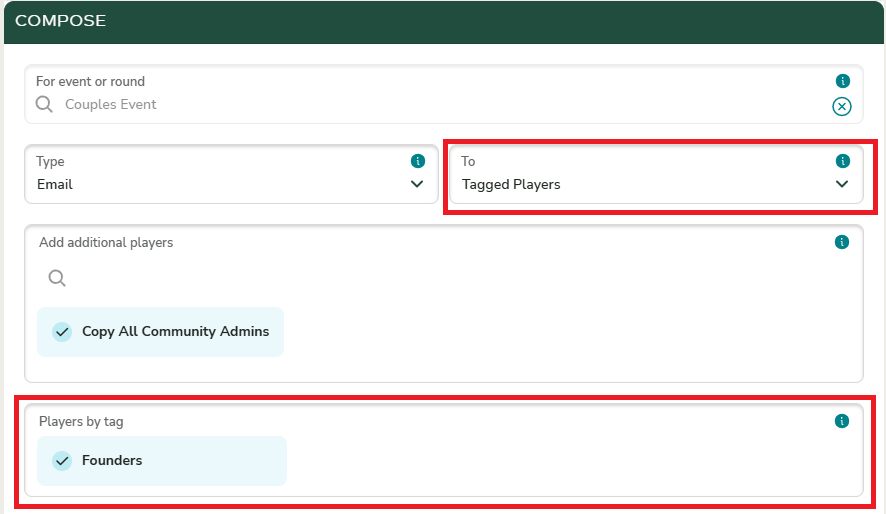
When sending a communication to players assigned a specific tag, select “Tagged Players” for the “To” configuration. Then choose the appropriate tags in the “Players by Tag” section.
Sending Event Sign Up Links to Tagged Players
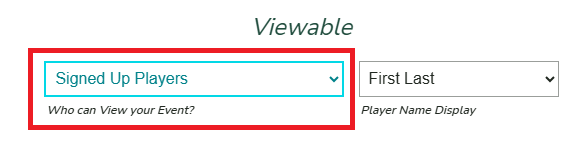
If you want to send signup links to only a subset of players, you should check the Event Settings to ensure the Viewable By setting is configured to “Signed Up Players” only.
This ensures that the event will not appear in other players’ event lists with the option to sign up by clicking the signup button.