Player quick view of match play standings and stroke allocations

When participating in a Match Play event, you can easily view the current match standings and the hole stroke allocations (dots) for the match.
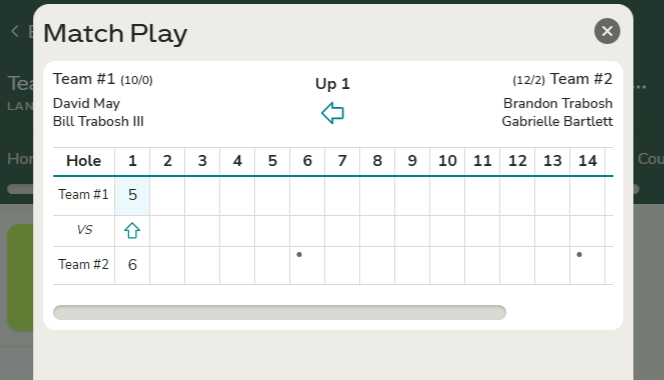
There are two links available to display the current standings for all matches you are participating in, or for the matches of the players you are entering scores for. One link is located on the Scoring Home page, and the other is available on the Score Entry screen.
- Players not entering scores can use the link on the Scoring Home page to view match standings.

- Players actively entering scores can access the same information directly from the Score Entry screen.

This same information is also available when viewing the Leaderboard standings for the match.