How can I leave a community?

If you no longer want to be part of a community, you can choose to leave the community. Once you leave:
- The community will no longer appear in your list of active communities
- You will no longer receive communications from that community
- Events from that community will no longer appear in your community event list
Steps to Leave a Community
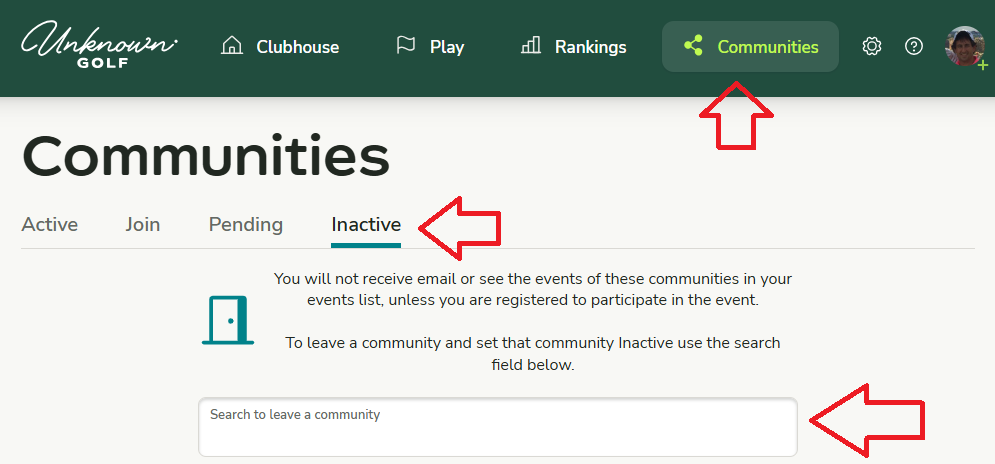
From your Clubhouse, click on Communities, then select Inactive from the sub-navigation.
From there, locate the community you want to leave and remove your association.
How to Rejoin a Community
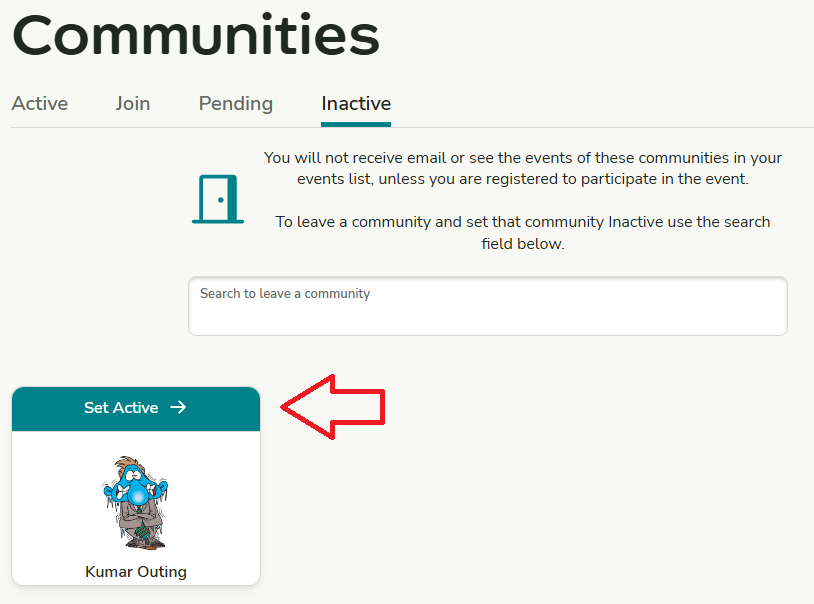
In the Inactive section of your Communities list, find the community you previously left and click “Set Active” to rejoin.