Can I set the pin location while marking the course?

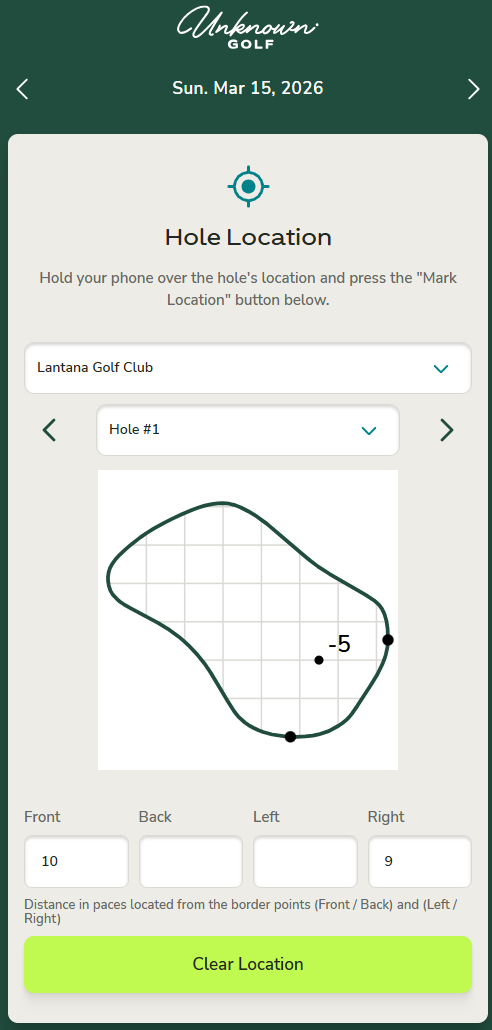
The Pin Location Assignment app provides a convenient way to enter the pin location for each hole. The arrows at the top of the screen allow you to switch between days, making it easy to set pin locations for multiple upcoming days.
When pin locations are entered through the Assignment App, the Pin Sheet for events scheduled on that day will automatically be pre-populated with the pin location data for printing.
If your club has multiple golf courses, you can switch between courses using the course dropdown field.
How to Access the Pin Sheet Location App
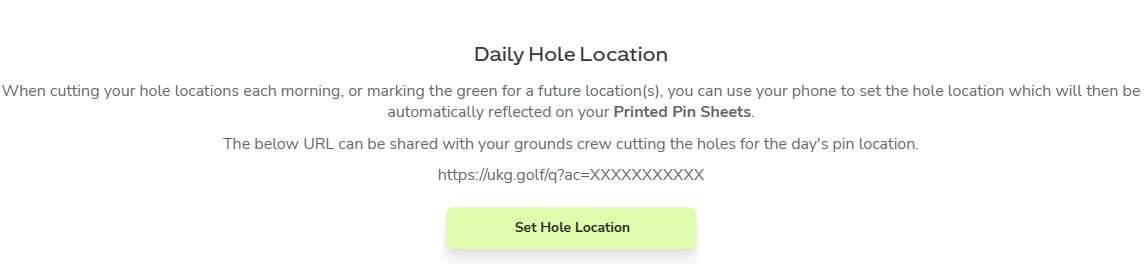
From your Club Home, navigate to Admin Settings → Courses. In this section you will find Daily Hole Location with a “Set Hole Location” button that opens the Pin Location Assignment App for setting the pin positions for the day.
Because this is a public link, anyone with the URL can access it. Please share it carefully.