Why can i not remove a player from my Club or Community?

Once a player has participated in an Event, they cannot be removed in order to preserve the event’s scoring and results. However, the player can be marked as Inactive. Setting a player to inactive removes them from your players list and excludes them from any communications sent to your club or community.
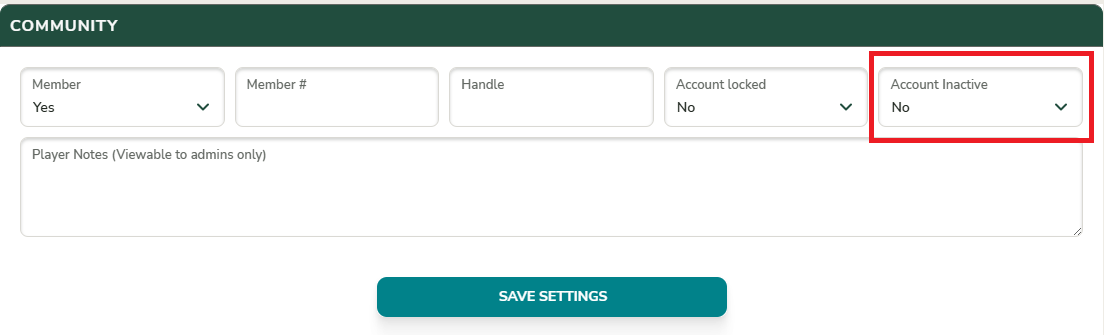
To set a player as inactive, update the player’s profile. Under the Community section, locate the Account Inactive setting and change the value to Yes. This will mark the player as inactive.